
A Home Screen Widget for Couples Who Miss Each Other
A notification banner shows up, gets read in the preview, and the surprise is gone before you've even opened the app. A widget sitting quietly on the home screen works differently. It's there when you glance down, not pushed at you the second it happens.
Presence without a preview
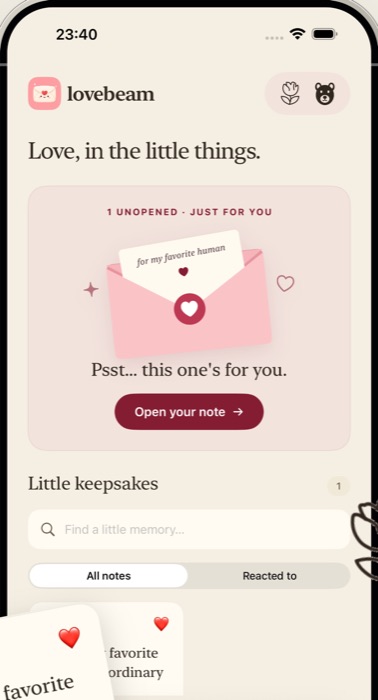
The Lovebeam widget shows one thing: whether a note is waiting. Not the first line, not a preview, not who it's from beyond the obvious. Just a small, quiet signal that something arrived, which you open on your own terms, whenever you next pick up your phone.
Why that restraint matters
A widget that shows a text preview is really just a second notification banner that never goes away. It spoils the note the same way an unlocked-screen alert does, except it sits there doing it all day instead of once.
Holding back the preview is what keeps a surprise a surprise until you actually choose to open it. The small gap between seeing that something arrived and finding out what it says is most of the point.
A small habit, not another app to check
Most widgets compete for attention: weather, calendar, news, all updating constantly. A note widget is quieter by design: most of the time there's nothing new, and that's fine. It's not meant to be checked; it's meant to occasionally have something worth noticing.
See the widget in the appQuestions
A couple more things.
Does the widget show who the note is from or what it says?
No. It only shows that a note is waiting. The content and, in a paired mailbox, the obvious sender, stay inside the app until you open it yourself.
Does the widget need the app open in the background?
No. It updates independently, the same way any iOS home screen widget does, without needing Lovebeam open or in the foreground.
lovebeam
“I thought of you.”
That's the whole idea.
A quiet place for the two of you, coming soon to iPhone.